

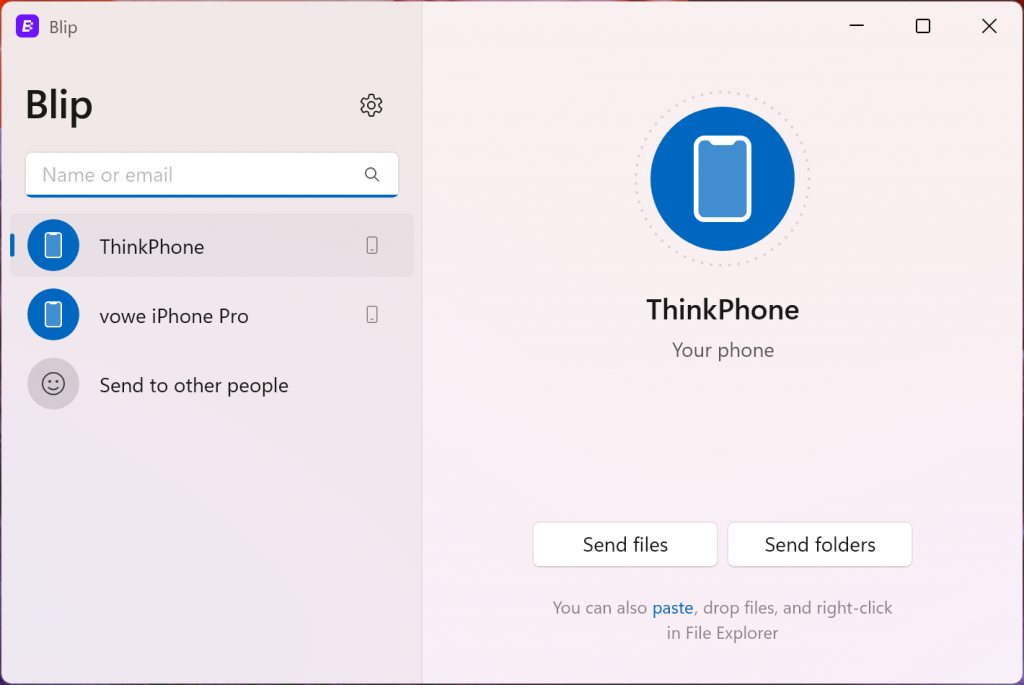
AirDrop is a great invention, but it only works with Apple gear. And only 60 percent of the time. Enter Blip:
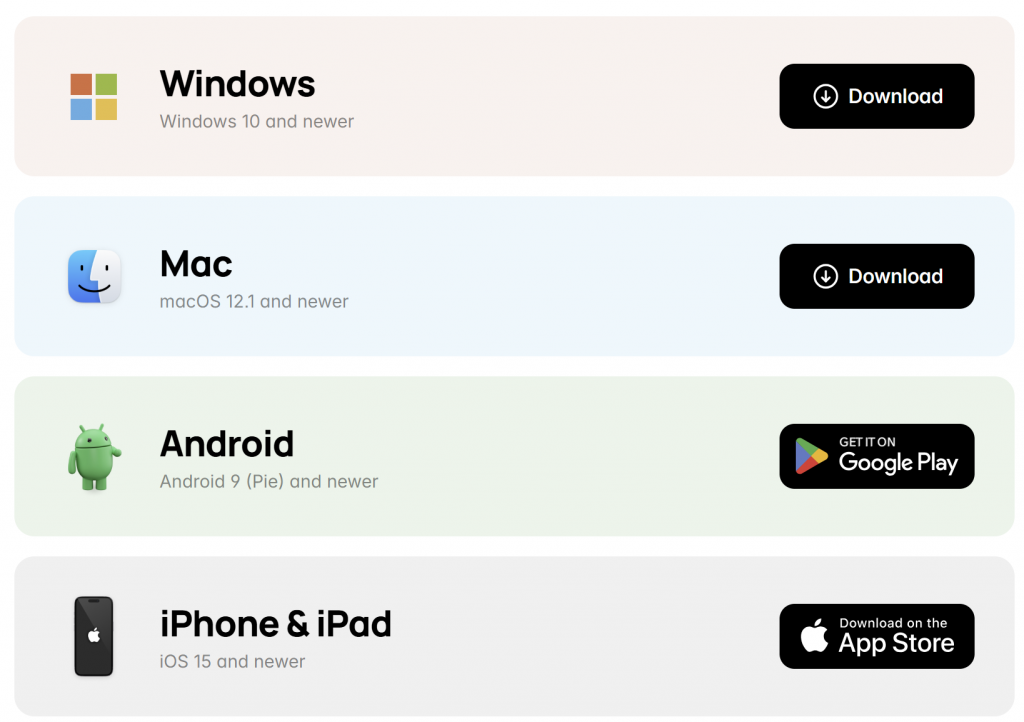
Blip doesn’t need devices to be nearby, so it’s much more reliable. Blip works wherever your internet connected devices are in the world, and works regardless of what kind of device you own. You can transfer from Android to Mac, Windows to iPhone, iPad to Android—you name it!
I love this.
Even better: pairdrop.net. No app, works in the in the Browser over WebRTC, which means the transfer is peer to peer.
I need this for the clipboard. Please tell me sending text to myself via any messenger isn’t the best way to copy text, URLs, whatever from Windows to iOS.
I think it IS the best way. Use Signal and Signal Desktop, send to yourself. It will show up on both devices as “Note to Self” with a blue tickmark. This will provide a history so you don’t have to do it in realtime.
Send clipboard and files or folders with:
https://localsend.org/
Open Source. Windows, Mac, Android, iOS & Linux.
Cute. Geht aber nur im lokalen WLAN.
AirDrop works ”only 60 percent of the time.“ Exactly! And this is a shame.
I just installed Blip and it works perfectly. Very helpful!