Dear Microsoft. Here is a list of things I want the Start Menu to do:
* Show my installed programs * Search my local files * Provide access to system settings
Here is a list of things I do *not* want the Start Menu to do:
* Show the weather for a randomly-selected town near my network’s public IP infrastructure * Show tabloid headlines * Show programs I *don’t* have installed * Search the web via Bing * Show adverts(!) * Attempt to engage me in conversation with a hallucinating LLM
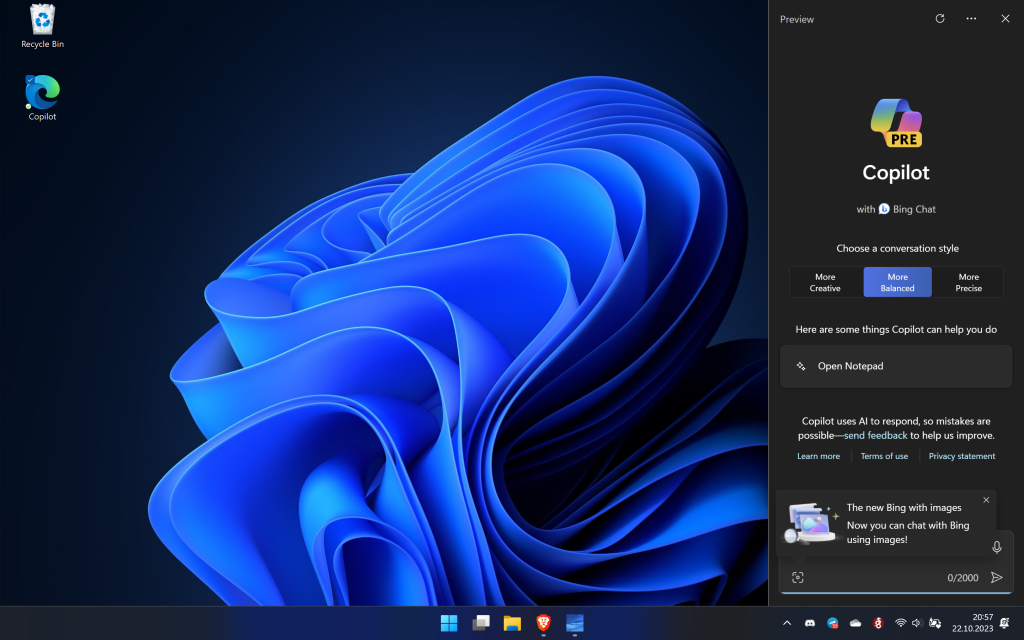
Microsoft sagt, ich muss nur Windows-C drücken, um Copilot zu nutzen. Das funktioniert aber nicht, weil es in der EU anscheinend noch nicht aktiviert ist.
Aber es ist nicht schwierig, das selbst nachzurüsten. Voraussetzung: Windows 11 22H2 mit aktuellem Update. Dann einfach einen Shortcut anlegen mit diesem Inhalt:
microsoft-edge://?ux=copilot&tcp=1&source=taskbar
Shortcut irgendwo hinlegen und fertig ist der Copilot.
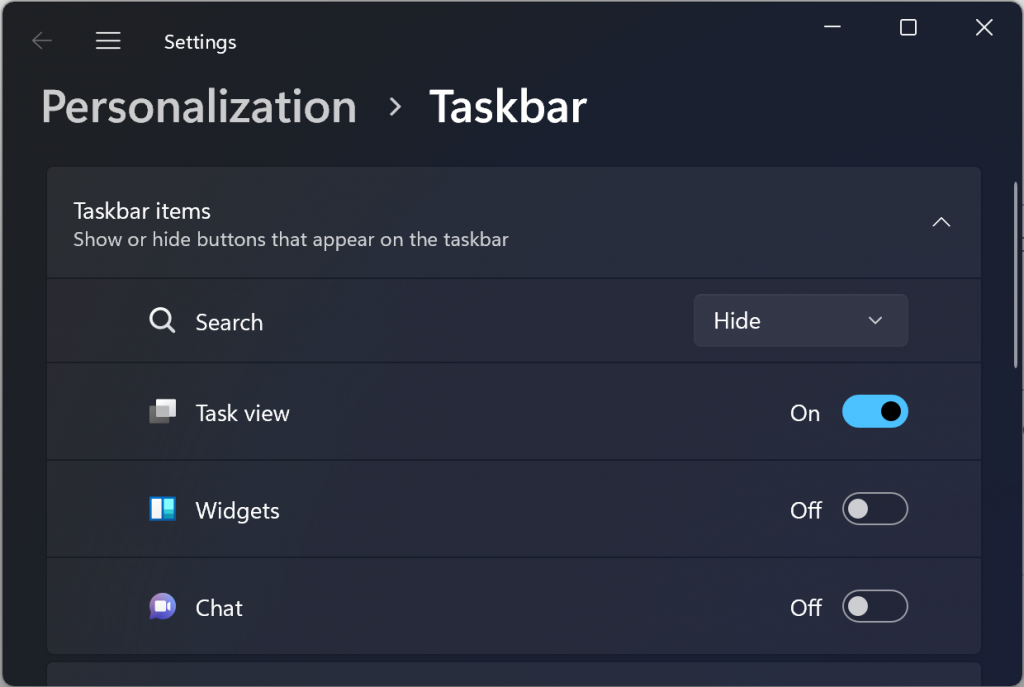
Microsoft has announced that an update later this year will enable the ability to disable the MSN feed in the widgets board on Windows 11, offering different layouts including one that’s “widgets only”.
Ever since Microsoft introduced the widgets in Windows 11, they have shot themselves in the foot with their horrible, curated newsfeed from MSN. The only way to get rid of it is to disable widgets completely.
My feeling is that Microsoft should axe MSN completely and forever. Just shut the whole thing down. It’s not only polluting Windows but Edge as well.
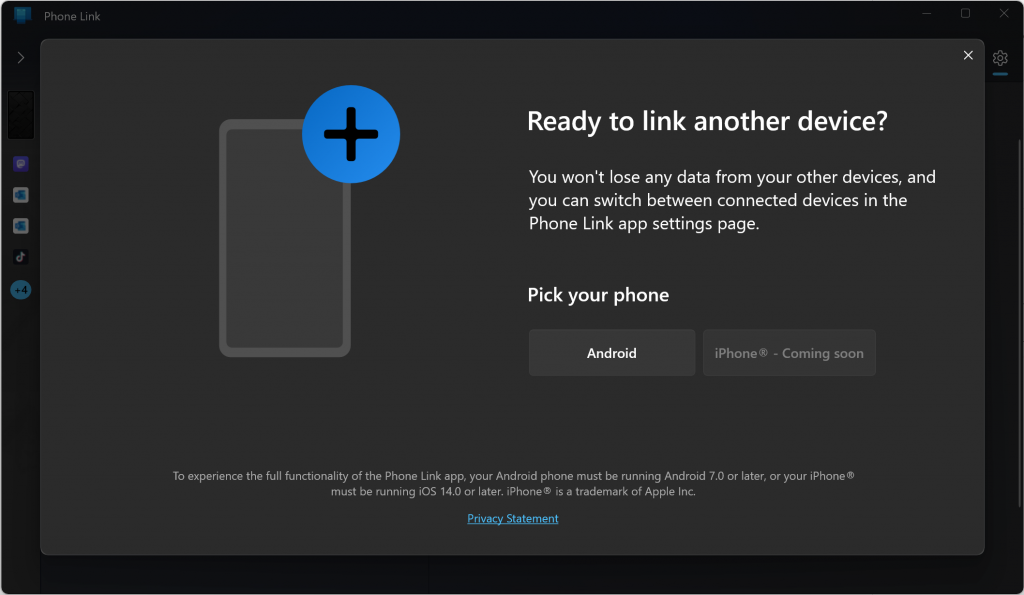
Today, we are excited to announce that Microsoft Phone Link for iOS on Windows 11 is beginning to rollout to our global audience in 39 languages across 85 markets. We recently announced that Windows 11 was expanding our Phone Link feature to enable the connection between a Windows 11 PC and an iOS mobile device with the goal of removing barriers between your phone and PC and making it easier to connect to the people you care about most.
The iOS app is already available, and Microsoft is collecting negative reviews in the App Store because the Windows app has not yet been updated. Currently it only support Android and I am using it with the vivo 90 Pro.
Over the next few weeks, you’ll begin to see this feature become available on your PC.
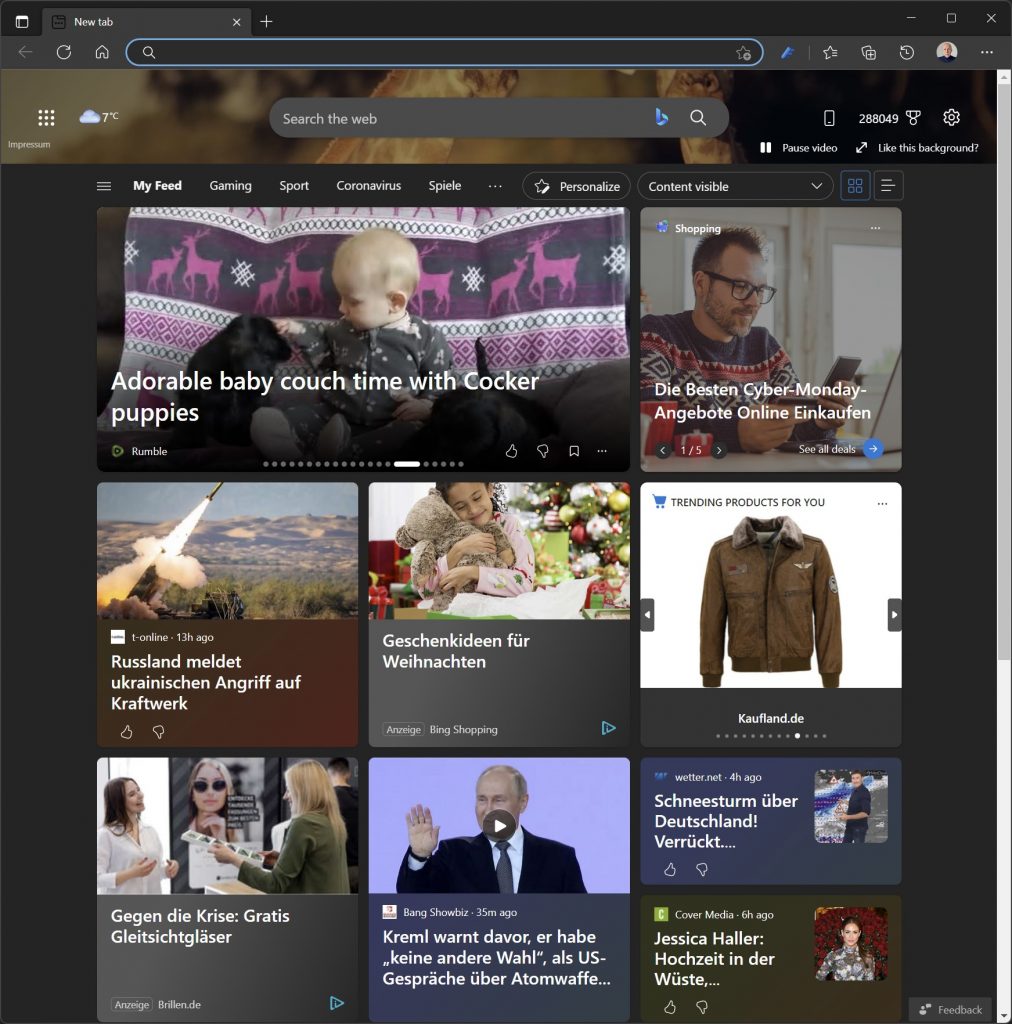
So sieht die New Page von Edge aus, wie Microsoft sich das bei Windows Home vorstellt. Man kann diese Seite nicht abstellen, sondern man kann sie nur “konfigurieren”. Es gibt einen Registry-Eintrag und eine Group Policy, um eine leere Seite zu erzwingen.
Windows Registry Editor Version 5.00

[HKEY_CURRENT_USER\Software\Policies\Microsoft\Edge]
"NewTabPageLocation"="about:blank"
Aber das funktioniert nicht. Warum nicht?
This policy is available only on Windows instances that are joined to a Microsoft Active Directory domain, Windows 10 Pro or Enterprise instances that enrolled for device management, or macOS instances that are that are managed via MDM or joined to a domain via MCX.
Windows Home Nutzer sind also in jedem Fall gelackmeiert. Aber auch ein Rechner mit Windows Pro erlaubt diese Verbesserung nicht. Was man gerade noch so schafft, steckt in diesem Registry Key:
Windows Registry Editor Version 5.00

[HKEY_CURRENT_USER\Software\Policies\Microsoft\Edge]
"NewTabPageContentEnabled"=dword:00000000
"NewTabPageLocation"="about:blank"
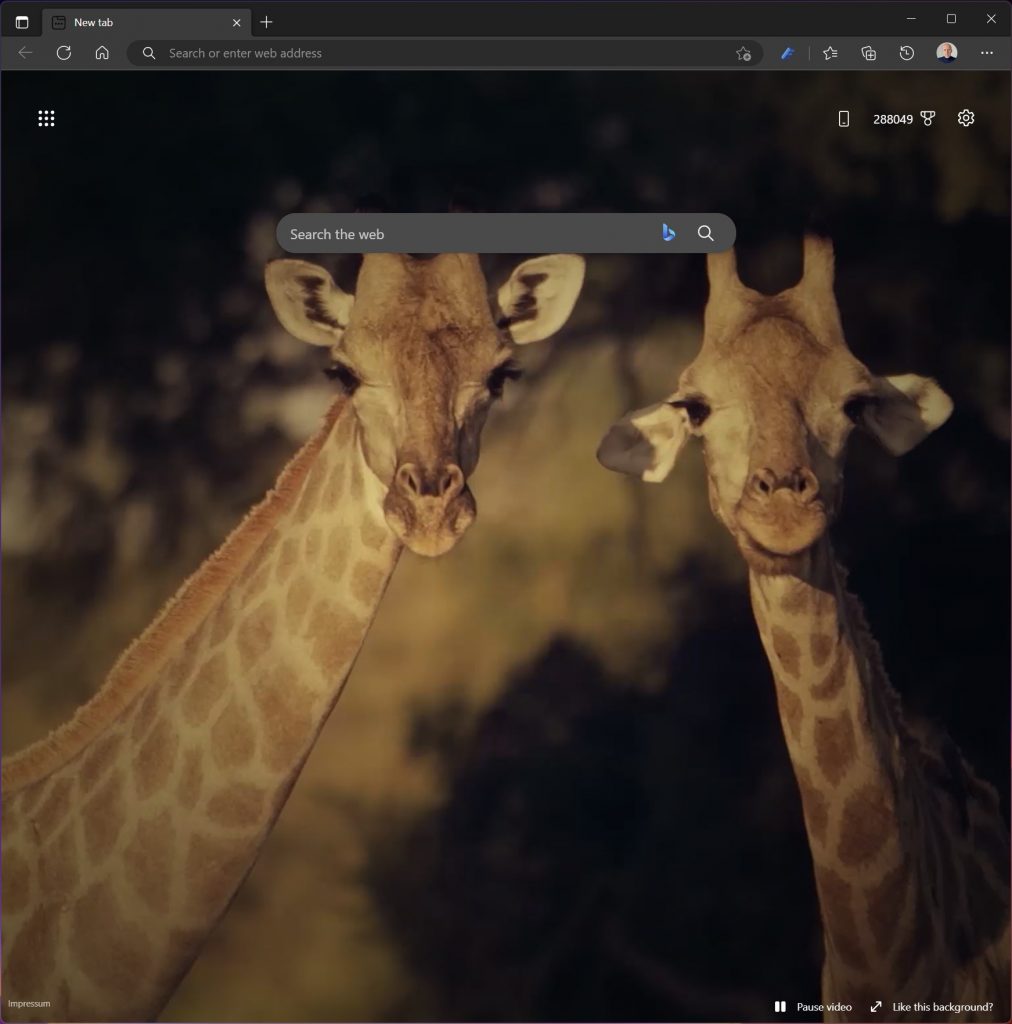
Das Hintergrundbild gefällt mir. Deshalb bleibt es drin. Was mir nicht gefällt, ist das Bing-Eingabefeld (Ich nutze DuckDuckGo) und die naseweisen Notifications, von denen man aktuell keine sieht.
Windows Pro kann man jedoch vormachen, dass es in einem Device Management steckt. Das geht mit diesen Registry Keys:
Windows Registry Editor Version 5.00

[HKEY_LOCAL_MACHINE\SOFTWARE\Microsoft\Enrollments\FFFFFFFF-FFFF-FFFF-FFFF-FFFFFFFFFFFF]
"EnrollmentState"=dword:00000001
"EnrollmentType"=dword:00000000
"IsFederated"=dword:00000000

[HKEY_LOCAL_MACHINE\SOFTWARE\Microsoft\Provisioning\OMADM\Accounts\FFFFFFFF-FFFF-FFFF-FFFF-FFFFFFFFFFFF]
"Flags"=dword:00d6fb7f
"AcctUId"="0x000000000000000000000000000000000000000000000000000000000000000000000000"
"RoamingCount"=dword:00000000
"SslClientCertReference"="MY;User;0000000000000000000000000000000000000000"
"ProtoVer"="1.2"
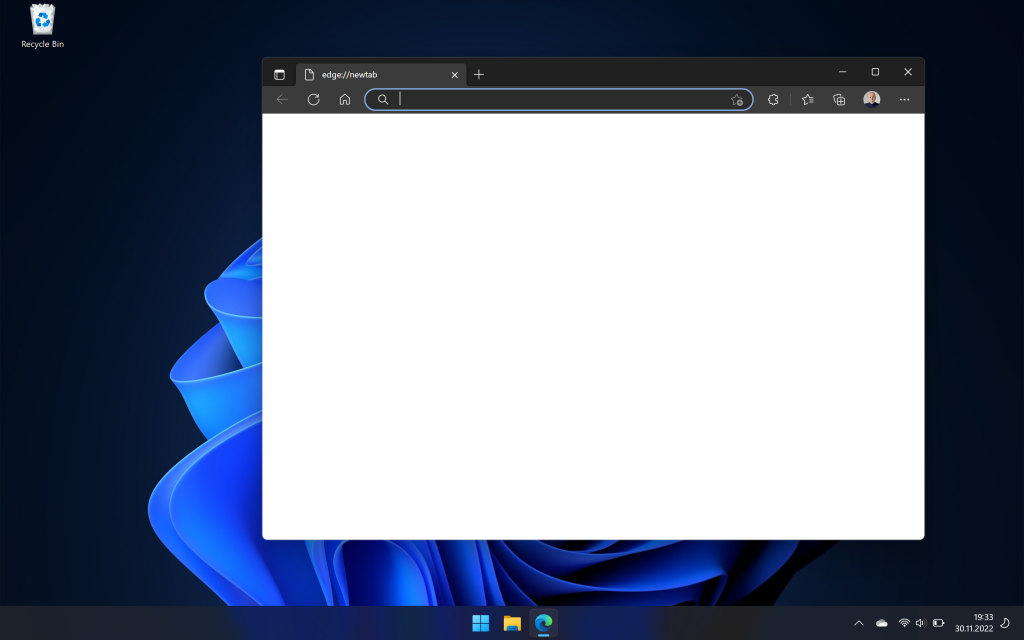
Und schon haben wir in Microsoft Edge auf Microsoft Windows 11 Pro eine leere Seite. Der Lenovo ThinkPad Z13 kam mit Windows 11 Pro und da kann ich das jetzt so genießen:
Warum der Handstand? Wenn ich den Browser öffne, habe ich meistens bereits irgendwas im Kopf und will das nicht durch das ersetzen, was Microsoft mir aufdrängt. Focus is everything.
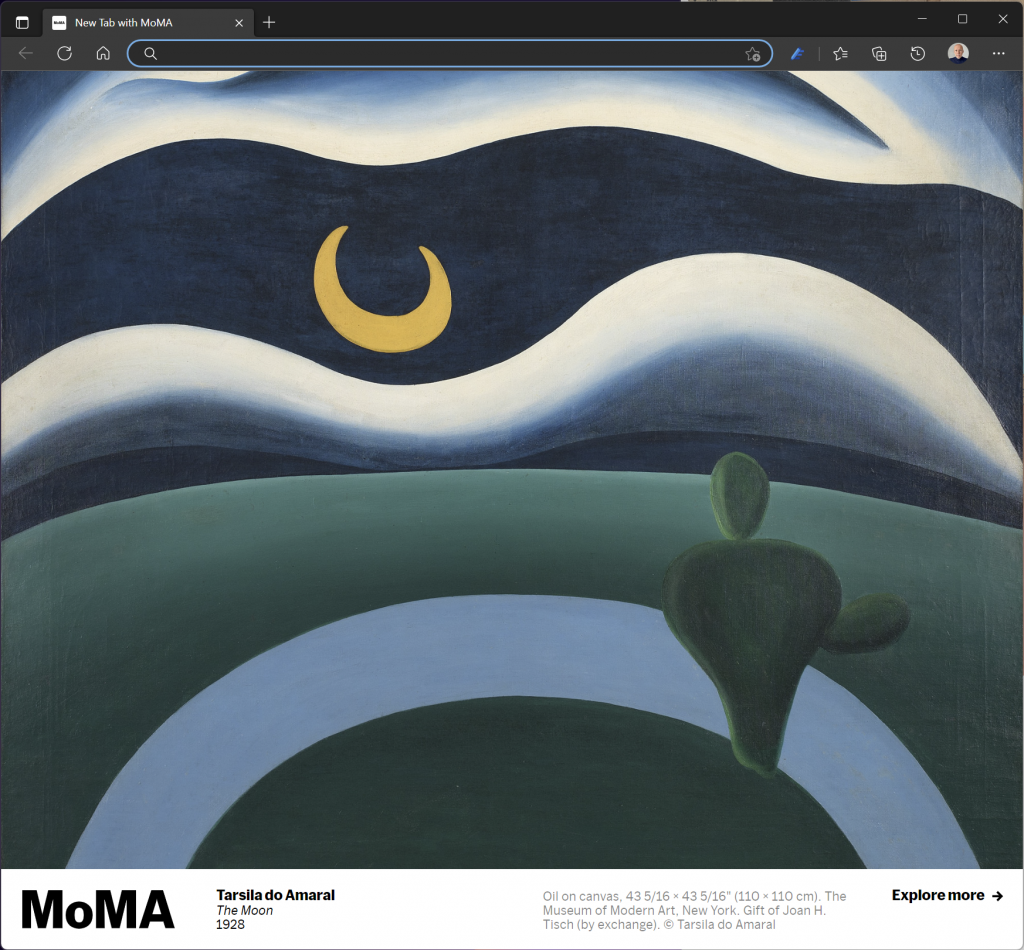
Ole hat eine andere Lösung vorgeschlagen. Wenn schon Inhalt, dann wenigstens ein schöner: New Tab with MoMA.
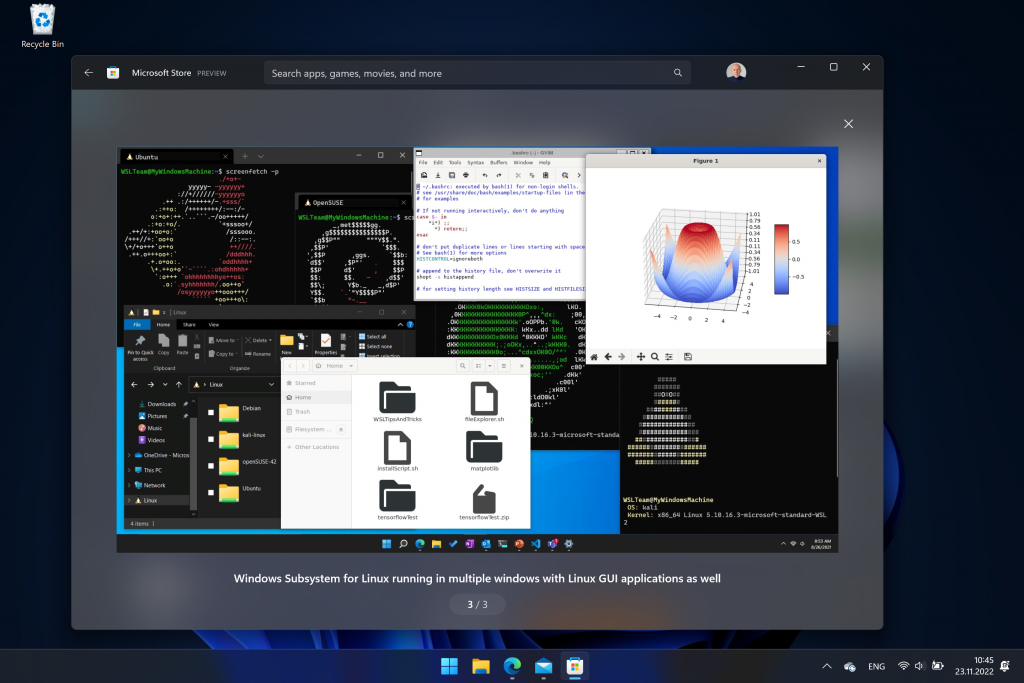
Windows Subsystem for Linux (WSL) lets developers run a GNU/Linux environment — including most command-line tools, utilities, and applications — directly on Windows, unmodified, without the overhead of a traditional virtual machine or dual boot setup.
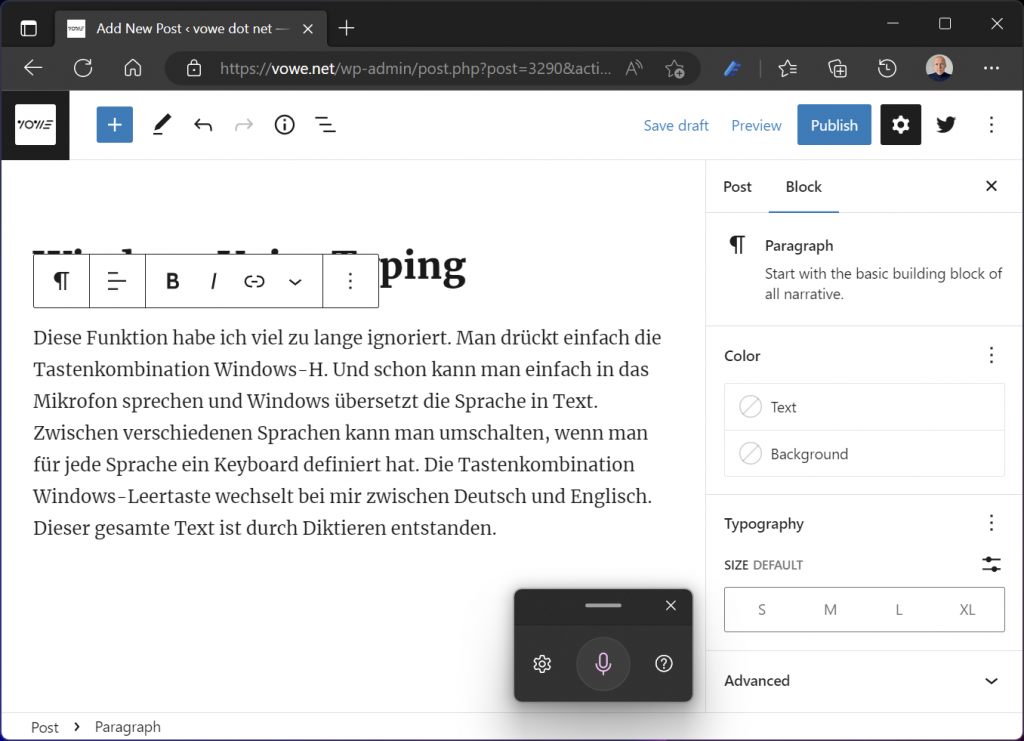
Diese Funktion habe ich viel zu lange ignoriert. Man drückt einfach die Tastenkombination Windows-H. Und schon kann man einfach in das Mikrofon sprechen und Windows übersetzt die Sprache in Text. Zwischen verschiedenen Sprachen kann man umschalten, wenn man für jede Sprache ein Keyboard definiert hat. Die Tastenkombination Windows-Leertaste wechselt bei mir zwischen Deutsch und Englisch. Dieser gesamte Text ist durch Diktieren entstanden.
Das Smartphone ist für viele Menschen die Fernbedienung fürs Leben und der einzige Computer, den sie brauchen. Und wenn es ein Computer sein muss, dann am liebsten ein Laptop. Meine Empfehlung ist einfach: iPhone plus MacBook Air. Beide sind derart ausgereift, dass man nichts falsch machen kann. Beide sind langlebig und Apple hat bei den aktuellen Geräten zurück zu alten Tugenden gefunden.
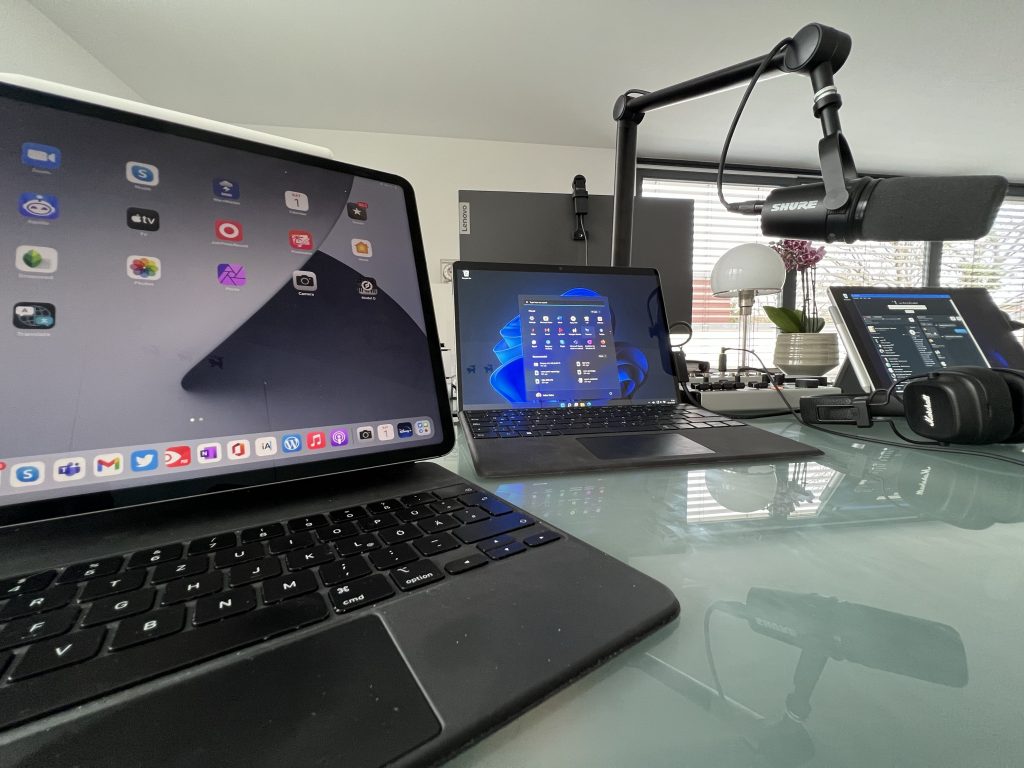
Bei mir passt der Laptop leider nicht mehr. Sonst hätte ich wohl auch so einen Air. Ich bin ein Tablet-Typ. Ich mag das iPad, am liebsten als großes iPad Pro mit Magic Keyboard. Ich komme damit auch ziemlich weit, aber nichts bis ins Ziel. So wie ich im letzten Jahrtausend OS/2 brauchte, um im Hintergrund meine Mailbox betreiben zu können, fehlt mir beim iPad das letzte Quäntchen Flexibilität. Ich brauche Audio-Routing über mehrere Kanäle, eine externe Webcam, will einen Mixer mit mehr als zwei Kanälen anschließen. Ich muss gleichzeitig mehrere Sachen im Hintergrund laufen lassen.
Von der Hardware her ist der iPad Pro für mich perfekt*, aber ich brauche einfach viel mehr Software, die Apple in dieser Form nicht hat. Was kommt dem iPad Pro am Nächsten? Ein Surface Pro. Ich mag Windows 11. Nicht das Windows, das von der IT mit Policies und Systemsoftware verkrüppelt wurde, sondern so wie es Microsoft gebaut hat. Ich habe einen Behringer Flow 8 angeschlossen und kann dort mit drei Stereo-Kanälen rein und dem fertigen Mix zurück zum Surface. Ich habe eine Tastatur, ein Trackpad, einen Stift und einen Touchscreen. Wenn ich den Dock Connector abziehe, wird es zu einem einfachen Tablet. Am Dock hängt noch eine Logitech BRIO, am Mixer ein seriöses Mikrofon. Der Sound kommt per Kabel aus dem Marshall Major IV, den ich beim Garantie-Austausch behalten durfte.
So oder so, ich bin ein Tablet-Typ. 🙂
*) Die Kamera gehört wie beim Surface an die lange Seite.
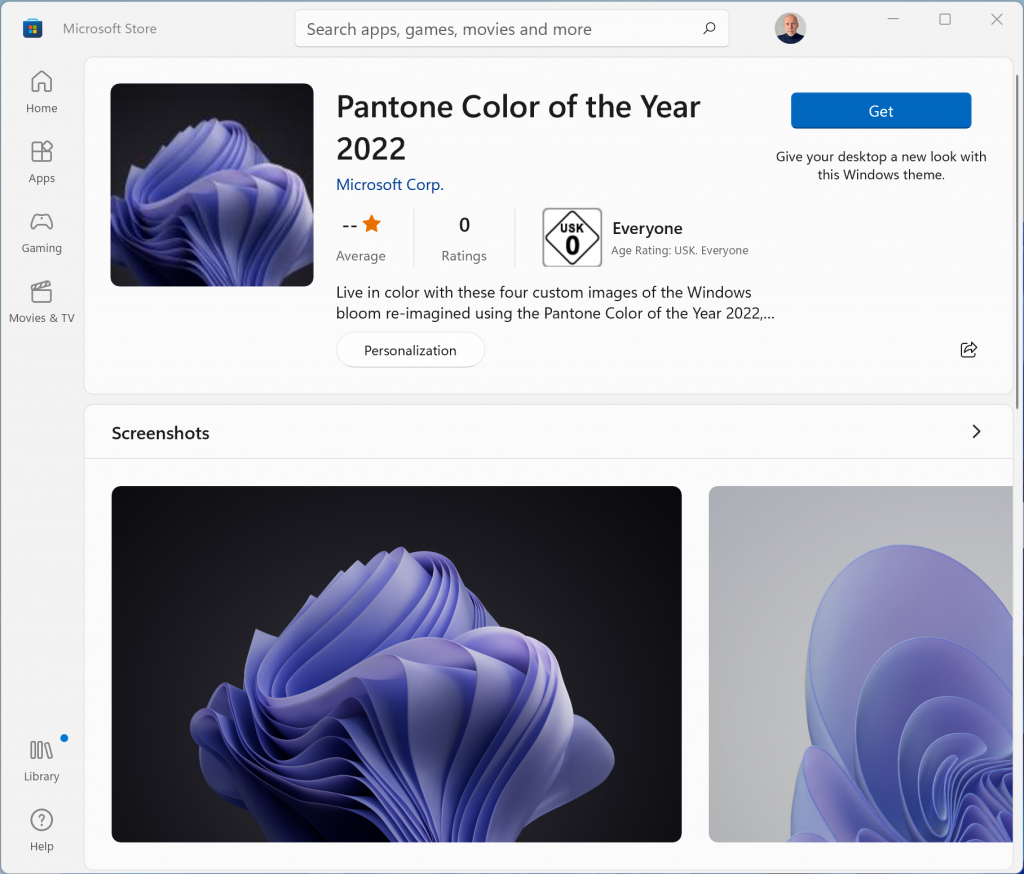
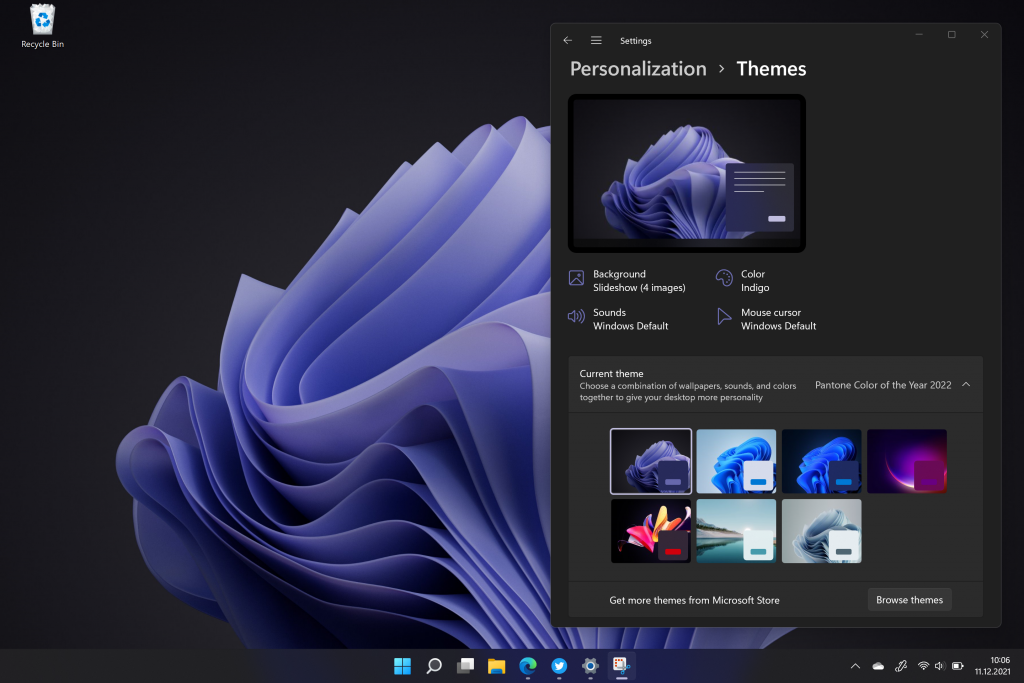
It’s the trivial things that spark joy. Like a new color for your desktop. I am happy that Microsoft is giving us more expertly crafted choices. It looks brilliant:
Microsoft startet heute den Rollout von Windows 11. Der wird sich über mehrere Monate hinziehen, bei Firmen-PCs eher mehre Jahre. Ich selbst benutze es als Insider Build seit rund drei Monaten auf dem Surface Pro X und bin äußerst zufrieden damit. Mein wichtigstes Feature, ohne das ich nicht mehr sein mag: Windows 11 merkt sich Fensterpositionen docked/undocked. Das heißt die Fenster landen wieder auf dem richtigen Monitor, wenn ich das Surface Pro X mit dem Dock verbinde.
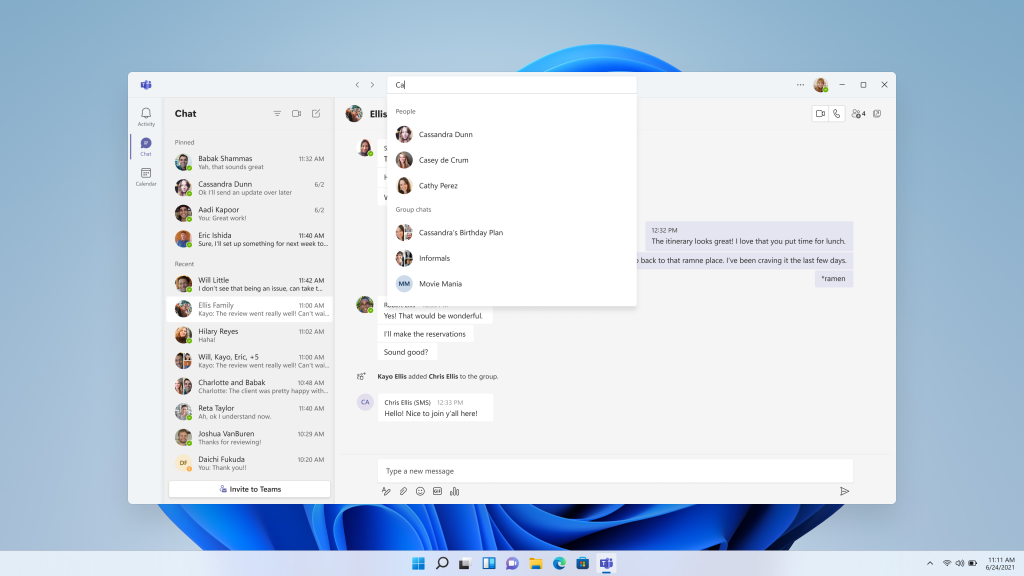
Hello Windows Insiders, today we’re beginning to roll out new Windows 11 consumer experiences to bring you closer to the people you love, your friends and family, using Microsoft Teams. This includes a sleek new Chat flyout right off the taskbar as well as an overall Teams desktop experience architected for optimized performance and the Windows 11 design language. You can remain connected to the people you care about with chats and video calls from the convenience of your Windows 11 PC, while they can participate from any device with Microsoft Teams: desktop, mobile, or even just a web browser.
I have the Insider Build of Windows 11 on my Surface Pro X, which is an ARM device. It’s running much better than the latest Windows 10 build, and it also looks more modern. Now Microsoft has started to rollout Teams on this build. I am logged in with my private Microsoft account.
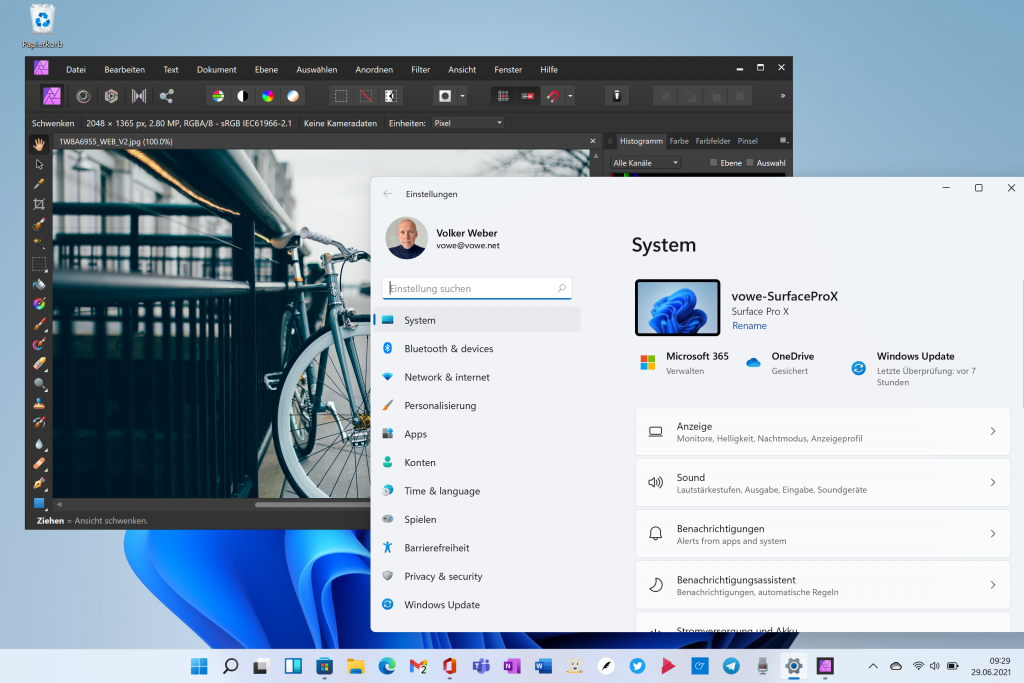
I made a leap of faith today with my Surface Pro X onto Windows 11 Preview and Office Preview. This machine is running Windows on a Snapdragon Chipset instead of Intel/AMD and Windows 11 brings support for lots of apps that would not run before. Now I have Office 64-bit native and Affinity Photos running on this machine and it really makes it whole.